
Work that runs without you typing it.
The parts of a forwarder's day that should never be manual — sending status updates, drafting contracts, replying from a shared inbox, threading every email back to the right deal — LogiCRM does on its own. Your team focuses on margin and exceptions; the platform handles the keystrokes.
Every feature, in plain language.
4 feature groups · 24 capabilities. No jargon, no asterisks.
Automated notifications
- Trigger-based alerts on every meaningful event: offer sent, partner overdue, quote received, contract signed, document uploaded, shipment status changed, payment received.
- Multi-channel delivery — in-app, email, and digest — chosen per user, per category.
- Client-facing notifications fire automatically on tracking-page status changes (no ops button-pushing required).
- SLA timers built into the partner-quote workflow: when a partner is late, the right person is paged.
- Quiet hours and minimum-priority filters honoured globally — automation never pages someone at 3 AM.
- Templated messages with the same variable system as contracts, so every alert reads on-brand.
Auto-generated contracts
- The moment an offer is accepted, LogiCRM drafts the contract from the right template — variables, branding, pricing, route and parties already populated.
- Dual-party documents (client + transporter) generated in one pass with matching reference numbers.
- Multilingual generation — contract language follows the client's locale automatically.
- PDF, DOCX, plain text or Markdown output, ready to send or e-sign.
- Auto-send via the connected mailbox with a tracked delivery timestamp.
- When both signed copies land back, the contract flips to Signed and notifies the deal team — no manual status changes.
Common inbox
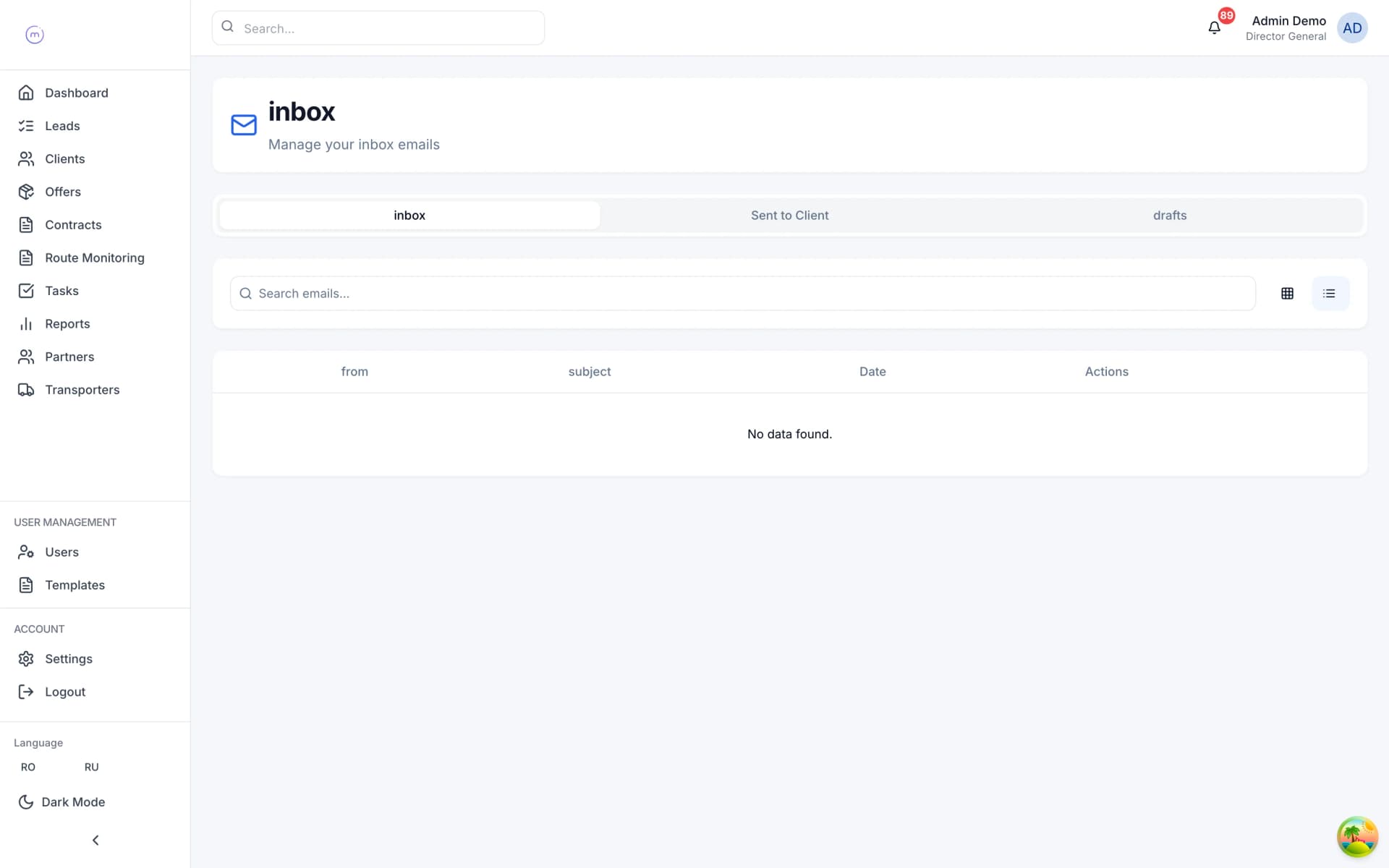
- A shared team inbox that aggregates every connected mailbox (Microsoft 365 + Google Workspace) into one view.
- Per-thread assignment so two people never reply to the same client at the same time.
- Internal notes and @mentions live alongside the email thread — context stays with the conversation.
- Status flags: open, waiting on client, waiting on partner, resolved.
- Filter by client, partner, offer, contract or unassigned — find the thread you need in seconds.
- SLA timers on inbound client emails so nothing sits unanswered overnight.
Communication tracking
- Every inbound and outbound email auto-linked to the relevant offer, contract, client or partner via Microsoft Graph conversation IDs.
- Full timeline view per deal: emails, attachments, status changes, document uploads and notes in one chronological stream.
- Participant classification (client, partner, internal, other) with auto-tagging on first contact.
- Searchable history across every mailbox in the org — find the CMR you sent six months ago in two clicks.
- Read receipts and reply tracking so sales knows whether the client opened the offer.
- Audit-ready export of the full communication trail for any deal, regulator or dispute.
Related modules.
Quote any mode, in under a minute.
The offer is the beating heart of LogiCRM. One data model handles every transport mode, every Incoterm, every pricing scenario — from a single FTL between Bucharest and Rotterdam to a multimodal project cargo via three continents. Built to replace the Excel + inbox workflow that kills margin.
Explore /02Contracts that close themselves.
Once an offer is accepted, the contract writes itself. Auto-numbered, dual-party signed, with every CMR, invoice and delivery note attached to the deal — not lost in someone's inbox. When the final document is uploaded, LogiCRM closes the loop and sets the completion date automatically.
ExploreSee LogiCRM running on your real lanes.
Bring a real client, a real lane, a real margin problem. We'll show you how it would look in LogiCRM — in twenty minutes.